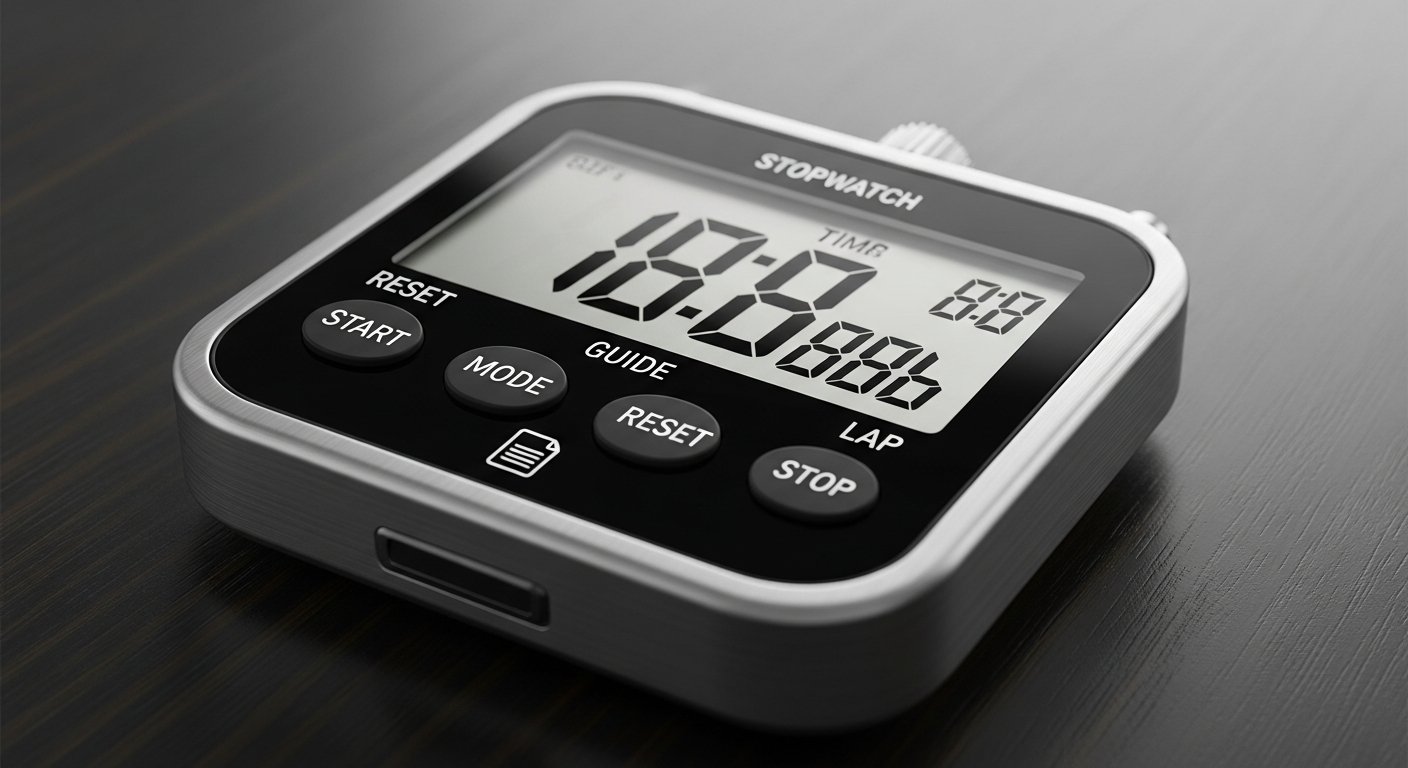
Ready to Time Your Activities?
Try Our Timer & StopwatchTrack time, set countdowns, and measure intervals instantly - 100% free, no registration required!
Introduction to Time Management Tools
Effective time management is crucial for productivity, fitness, cooking, and countless other activities. Our Timer & Stopwatch tool provides a comprehensive solution for all your time tracking needs. Whether you're timing workouts, cooking meals, managing meetings, or tracking study sessions, this tool offers precision and convenience in one package.
Why Choose Our Timer & Stopwatch?
- Dual Functionality: Both timer (countdown) and stopwatch (count-up) modes
- Completely Free: No subscriptions or hidden fees
- No Installation Required: Works directly in your browser
- User-Friendly Interface: Simple controls for quick operation
- Mobile Responsive: Works perfectly on all devices
- No Registration: Start timing immediately without signing up
- Precise Timing: Accurate to the second for reliable results
Pro Tip
Bookmark our Timer & Stopwatch for quick access. It's perfect for workouts, cooking, productivity sessions, and time management!
Start Timing Now
Start Timing NowTimer & Stopwatch Features
Countdown Timer
Set specific time intervals for cooking, workouts, meetings, or any activity requiring time limits. Perfect for productivity techniques like Pomodoro.
Stopwatch Mode
Measure elapsed time for races, workouts, experiments, or any activity where you need to track duration from start to finish.
Alert Notifications
Get audible alerts when your timer completes. Customize alert sounds for different activities or turn alerts off for silent timing.
Pause & Resume
Flexible controls allow you to pause timing at any point and resume exactly where you left off, perfect for interruptions.
Practical Applications
Our Timer & Stopwatch is useful for countless everyday situations:
How to Use Our Timer & Stopwatch
Using our Timer & Stopwatch tool is simple and intuitive:
- Visit our Timer & Stopwatch page
- Choose between Timer mode or Stopwatch mode
- For Timer Mode:
- Set your desired countdown time (hours, minutes, seconds)
- Click "Start" to begin the countdown
- Use "Pause" to temporarily stop timing
- Use "Reset" to return to your original time setting
- For Stopwatch Mode:
- Click "Start" to begin timing
- Use "Lap" to record split times without stopping
- Use "Pause" to temporarily stop timing
- Use "Reset" to clear all timing data
- Adjust volume settings for alerts
- Use full-screen mode for better visibility during activities
Important Note
For best results, keep the browser tab open while using the timer. Some browsers may limit background timer accuracy if the tab is not active.
Advanced Timing Techniques
- Pomodoro Technique: Set 25-minute work timers with 5-minute breaks
- Interval Training: Create custom interval sequences for workouts
- Time Blocking: Schedule your day with timed blocks for different activities
- Lap Timing: Use stopwatch lap function to track multiple participants or segments
- Alarm Chains: Set sequential timers for complex cooking recipes
- Productivity Sprints: Short, intense work sessions followed by breaks
Timer vs. Stopwatch: When to Use Each
Understanding when to use each mode will maximize your efficiency:
- Use the Timer When:
- You have a fixed time limit (cooking, meetings, workouts)
- You need to complete a task within a specific timeframe
- You're implementing time management techniques
- You want to limit time spent on an activity
- Use the Stopwatch When:
- You need to measure how long something takes
- You're tracking elapsed time for analysis
- You're racing or timing performance
- You want to track total time spent on a project
Tips for Effective Time Management
- Set Realistic Times: Start with reasonable time estimates and adjust as needed
- Use Visual Cues: The large display makes it easy to see remaining time at a glance
- Combine with Other Tools: Use alongside our Calculator for time calculations
- Create Routines: Establish consistent timing for daily activities
- Track Progress: Use stopwatch mode to measure improvement over time
- Minimize Distractions: Full-screen mode helps maintain focus
Master Your Time Management Today
Use Timer & Stopwatch NowFree, instant, and no registration required. Get precise timing for all your activities!
Common Timing Mistakes to Avoid
When using any timer or stopwatch, watch out for these common errors:
- Forgetting to Start: Double-check that timing has actually begun
- Incorrect Time Settings: Verify hours, minutes, and seconds before starting
- Background Limitations: Be aware that some browsers limit timer accuracy in background tabs
- Volume Settings: Ensure alerts are audible if you need auditory notifications
- Battery Considerations: On mobile devices, extended timing may impact battery life
Conclusion
Effective time management is a skill that improves with practice and the right tools. Our free Timer & Stopwatch provides all the functionality you need for precise time tracking in any situation. With its dual modes, user-friendly interface, and complete accessibility from any device, it's the perfect solution for athletes, cooks, students, professionals, and anyone looking to better manage their time. Start using it today and take control of your schedule!
Final Recommendation
Bookmark our Timer & Stopwatch and explore our other productivity tools like the Calculator and Percentage Calculator for a complete productivity toolkit.