Introduction to Image to PDF Conversion
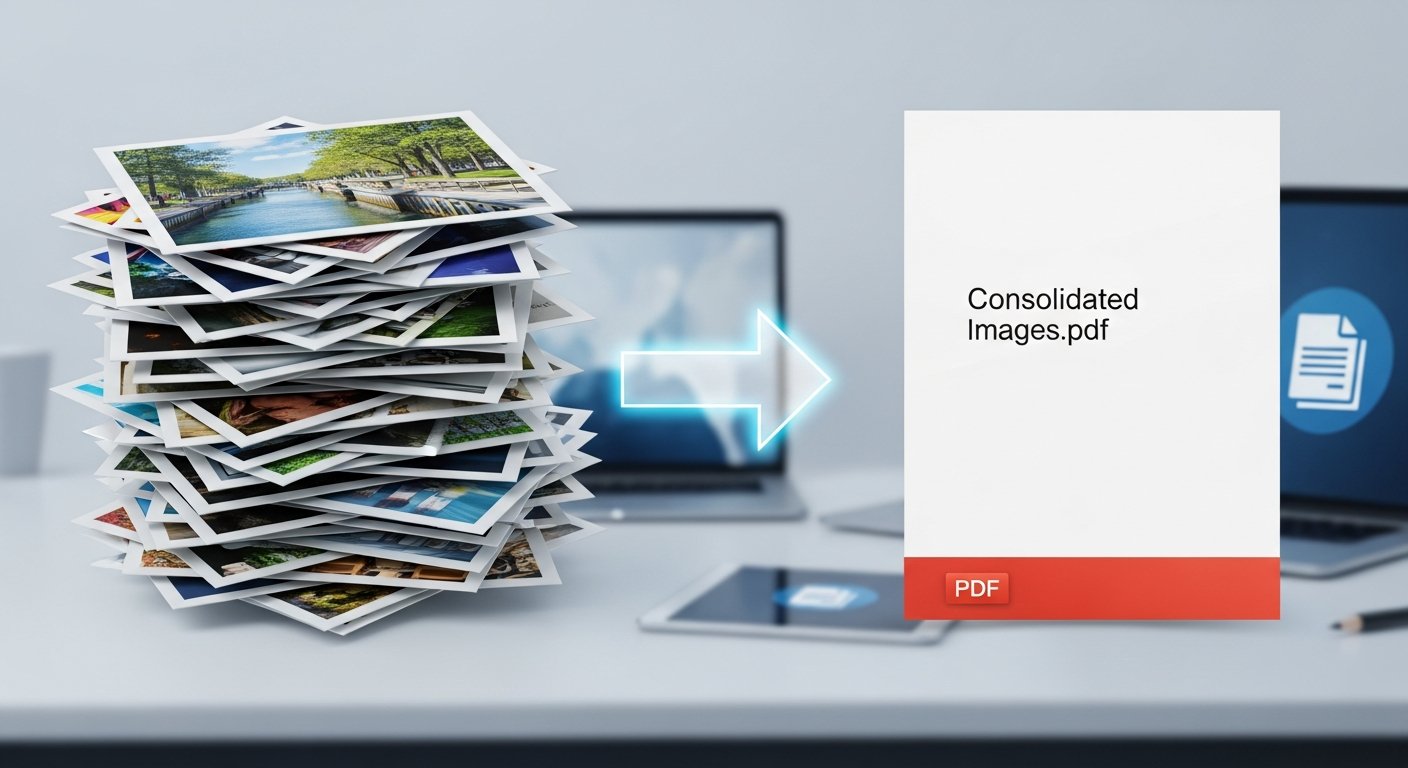
Converting images to PDF format is a common need for professionals, students, and anyone who wants to organize multiple photos into a single, portable document. Whether you're creating a portfolio, compiling research materials, or archiving important photos, our free online tool makes the process quick and easy.
Convert Images to PDF Now
Transform your images into a professional PDF document in seconds
Convert Images to PDFWhy Convert Images to PDF?
PDF format offers several advantages over individual image files:
- Portability: Single file instead of multiple images
- Universal Compatibility: Opens on any device with a PDF reader
- Professional Presentation: Clean, organized document format
- Easy Sharing: One file to email or upload instead of many
- Preserved Quality: Maintains image resolution and colors
- Searchable Text: If images contain text that can be OCR'd
Pro Tip
For best results, optimize your images before converting to PDF. Use our Image Compressor to reduce file sizes without losing quality, resulting in a smaller PDF file.
Step-by-Step Guide to Convert Images to PDF
1. Prepare Your Images
Before converting, ensure your images are ready:
- Organize images in the order you want them to appear
- Check image resolutions (300 DPI recommended for print)
- Use consistent orientations (all portrait or all landscape)
- Optimize file sizes if needed
2. How to Use Our Images to PDF Converter
Follow these simple steps:
- Open our Images to PDF converter
- Upload your images by dragging and dropping or using the file selector
- Rearrange images in your preferred order by dragging them
- Select page orientation (Portrait or Landscape)
- Choose margin size and image scaling options
- Click "Convert to PDF" to process your images
- Download your new PDF document
3. Post-Conversion Options
Once you have your PDF, you can further enhance it:
- Merge with other PDFs using our PDF Merger
- Compress the PDF file if it's too large
- Add page numbers or watermarks if needed
- Split the PDF if you need separate sections
Common Use Cases for Image to PDF Conversion
1. Portfolio Creation
Artists, photographers, and designers can create professional portfolios by converting their best work into a single PDF document. This makes it easy to share with clients, galleries, or employers.
2. Document Archiving
Convert scanned documents, receipts, or important papers into PDF format for organized digital archiving. PDFs are searchable and preserve the original appearance.
3. Presentation Materials
Combine presentation slides, charts, and graphics into a single PDF for easy distribution to attendees or team members.
4. Photo Albums
Create digital photo albums by converting vacation photos, event pictures, or family memories into a PDF that can be easily shared with friends and family.
Best Practices for Image to PDF Conversion
1. Image Quality Considerations
- For Print: Use high-resolution images (300 DPI or higher)
- For Web/Email: Optimize images to reduce file size
- Format Selection: JPG for photos, PNG for graphics with transparency
2. Organization Tips
- Name your images descriptively before uploading
- Group related images together
- Consider adding a cover page
- Use consistent image orientations throughout
3. File Management
- Keep original images as backups
- Use descriptive filenames for your PDF
- Consider compressing the final PDF if file size is large
- Add metadata (title, author, keywords) to your PDF
Quality Tip
If your PDF file size is too large after conversion, use our PDF Compressor to reduce it without significant quality loss. This is especially useful when emailing large documents.
Related Tools for Complete Workflow
Combine image to PDF conversion with other tools for a complete document workflow:
Complete Image & PDF Tool Suite
All the tools you need for professional document creation
Conclusion
Converting images to PDF format is an essential skill for organizing, sharing, and preserving digital content. With our free online Images to PDF converter, you can quickly transform multiple images into a professional, portable document. Whether for business, education, or personal use, this tool simplifies the process while maintaining image quality and providing flexible options for customization.
Remember to optimize your images before conversion for the best results, and explore our related tools to enhance your PDF documents further. Start converting your images to PDF today and experience the convenience of organized, professional document creation!