Introduction to PDF Tools
PDF (Portable Document Format) files have become the standard for sharing documents across different platforms while preserving formatting. Whether you're a student, professional, or casual user, knowing how to work with PDFs efficiently can save you time and frustration. This comprehensive guide will walk you through all the essential PDF tools available on PDFImgTools.
Try Our Free PDF Tools
Merge, split, compress, and edit PDF files instantly - no registration required
Explore All PDF ToolsWhy Use Our PDF Tools?
- 100% Free: No subscription fees or hidden charges
- No Registration Required: Use tools immediately without creating an account
- Browser-Based: No software downloads required
- Secure Processing: All files are processed locally in your browser
- Cross-Platform: Works on Windows, Mac, Linux, and mobile devices
Pro Tip
All our PDF tools work directly in your browser. Your files never leave your computer, ensuring complete privacy and security.
Merge PDF Files
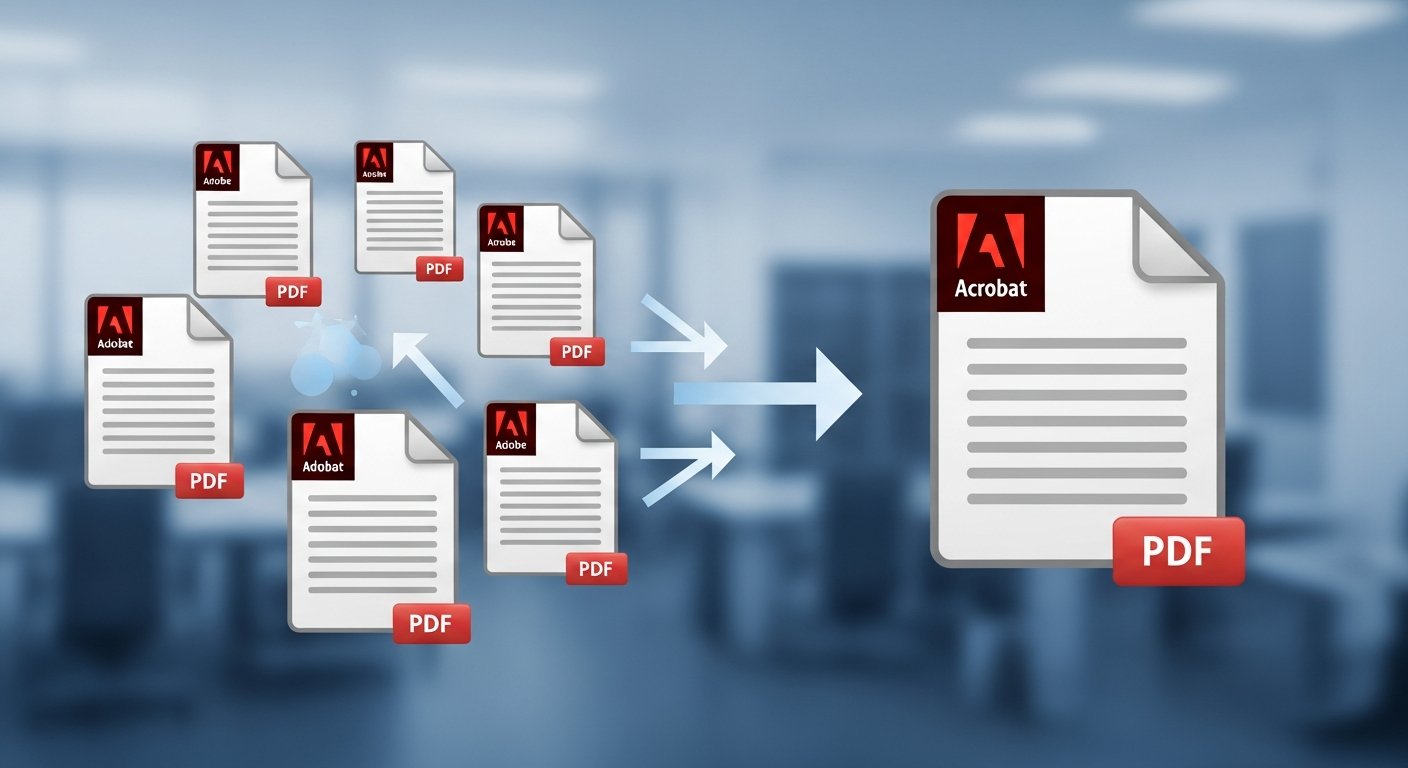
Combining multiple PDF documents into a single file is one of the most common PDF tasks. Here's how to do it:
- Open our Merge PDFs tool
- Upload your PDF files by dragging and dropping or using the file selector
- Rearrange the files in your preferred order
- Click "Merge PDFs" to combine them into one document
- Download your merged PDF file
Split PDF Documents
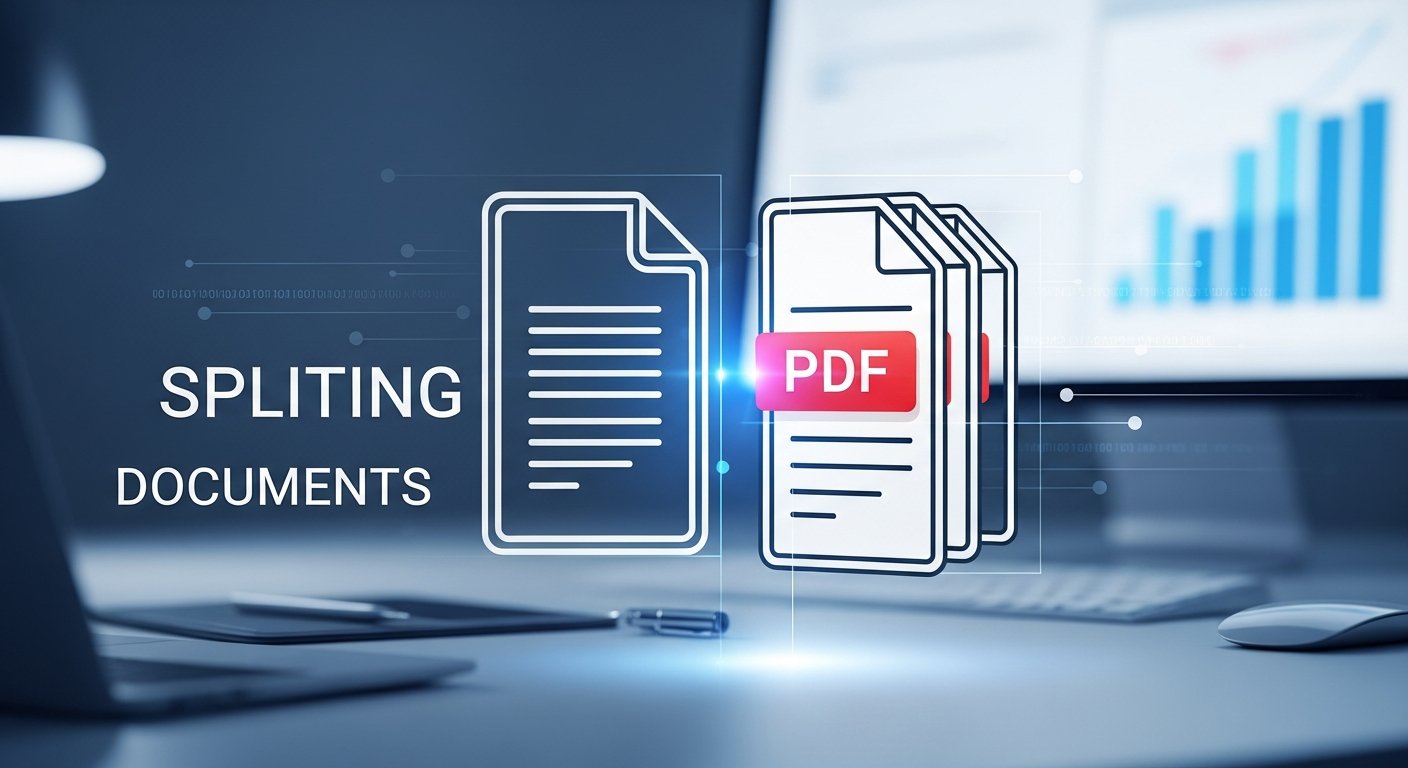
Need to extract specific pages from a PDF? Our split tool makes it easy:
- Extract Specific Pages: Choose individual pages to create a new PDF
- Split by Page Range: Select a continuous range of pages
- Separate All Pages: Create individual PDFs for each page
Compress PDF Files
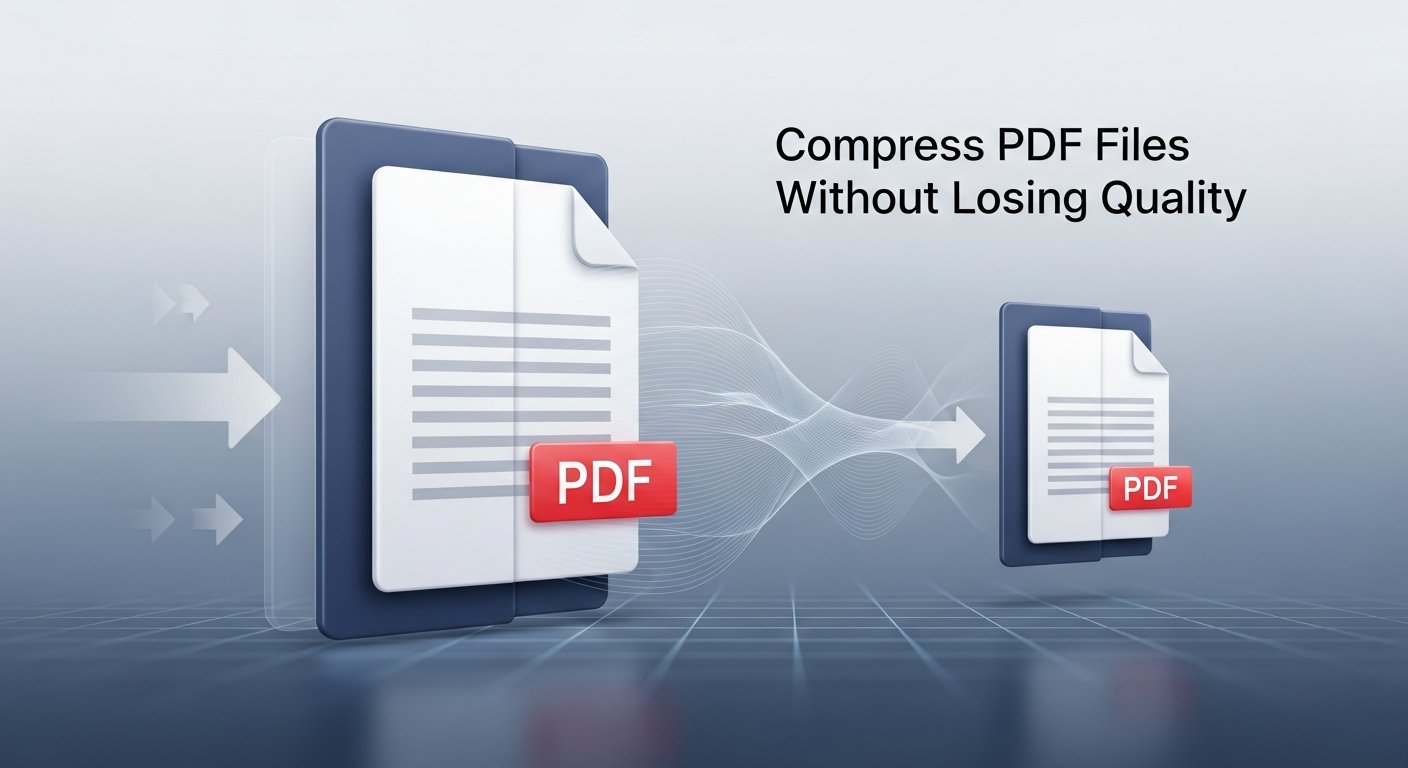
Large PDF files can be difficult to share via email or upload to websites. Our compression tool helps:
- Reduce File Size: Shrink PDFs by up to 80%
- Maintain Quality: Choose between different compression levels
- Fast Processing: Compress files in seconds
Important Note
For best results with PDF compression, start with the "Recommended" compression level. If you need a smaller file size, try "Maximum" compression. Always preview your compressed PDF before sharing.
Best Practices for PDF Management
To get the most out of our PDF tools, follow these tips:
- Always keep backup copies of important documents
- Use descriptive filenames for easy organization
- Compress large files before emailing them
- Merge related documents to keep your files organized
- Extract only the pages you need to reduce clutter
Conclusion
Mastering PDF tools is essential in today's digital world. With our free, browser-based tools, you can merge, split, and compress PDF files quickly and securely. No software installation or registration required – just visit PDFImgTools and start working with your PDFs today!
Start Working With PDFs Today
All tools are free, secure, and work directly in your browser
Launch PDF Tools