Introduction to Image Processing
In today's digital world, images play a crucial role in communication, marketing, and personal expression. Whether you're a blogger, social media manager, business owner, or casual user, knowing how to properly process images can significantly improve your online presence. This comprehensive guide will teach you how to master all our image processing tools.
Image Compression: Reduce File Size Without Sacrificing Quality
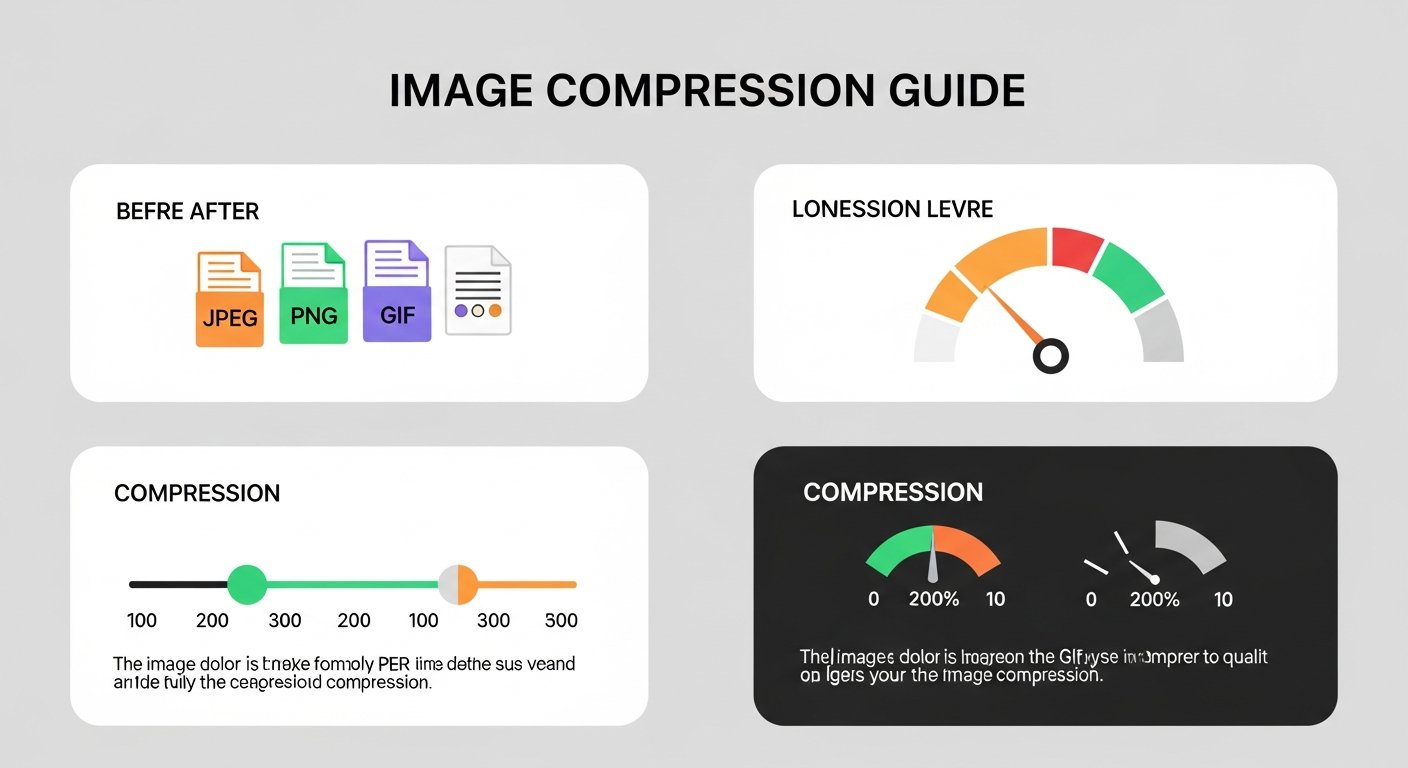
Large image files can slow down websites and make sharing difficult. Our Image Compressor tool helps you:
- Optimize for Web: Reduce file sizes for faster loading websites
- Email-Friendly: Shrink images for easy email attachment
- Storage Saving: Free up device storage by compressing photos
- Quality Control: Choose compression level to balance quality and size
Pro Tip
For website images, aim for file sizes under 200KB. For social media, under 1MB usually works well.
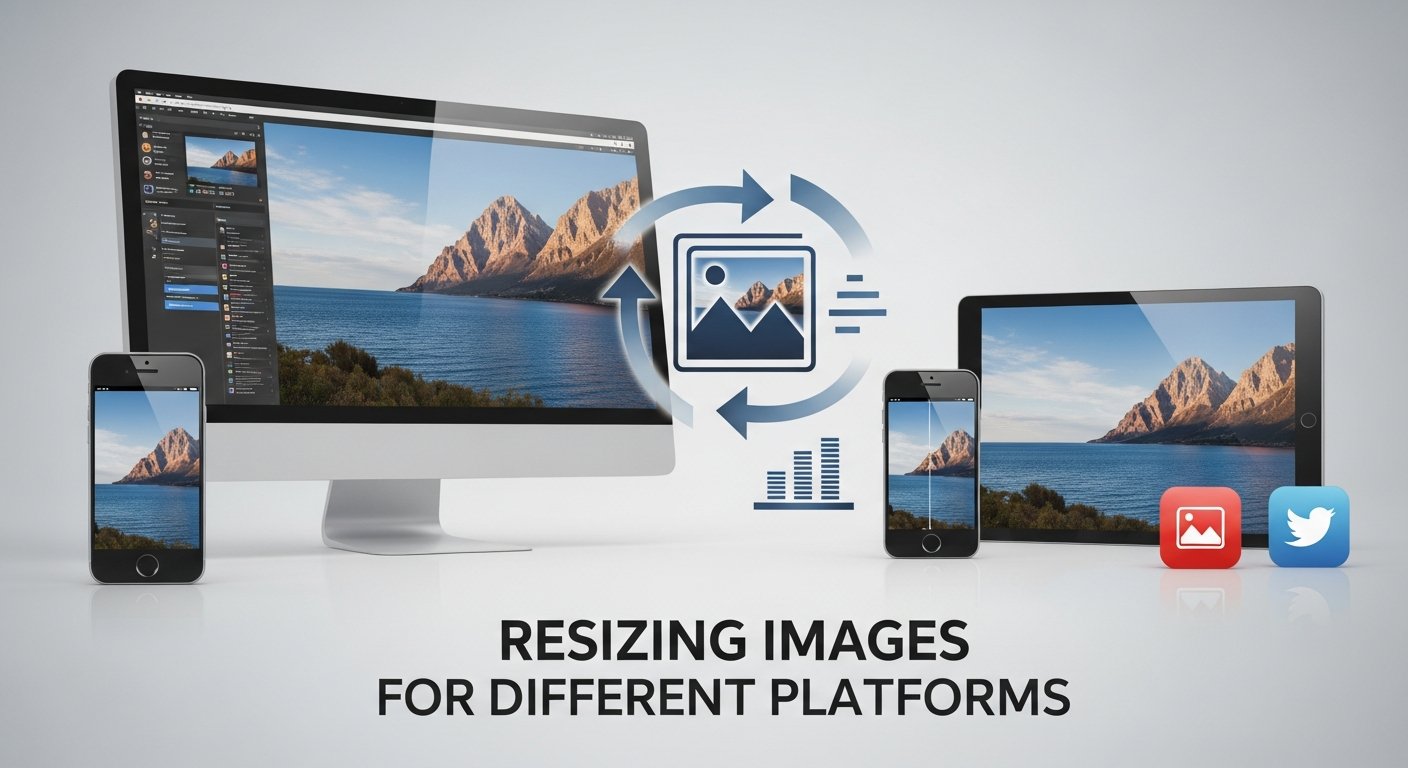
Image Resizing: Perfect Dimensions for Every Platform
Different platforms require different image dimensions. Here are optimal sizes:
| Platform | Optimal Dimensions | Use Case |
|---|---|---|
| 1080×1080px | Square feed posts | |
| 1080×1350px | Portrait feed posts | |
| 1200×630px | Shared links | |
| Facebook Cover | 820×312px | Profile cover photo |
| 1200×675px | Shared images | |
| 1200×627px | Shared content | |
| Website Banner | 1920×1080px | Full width hero images |
Image Cropping: Focus on What Matters
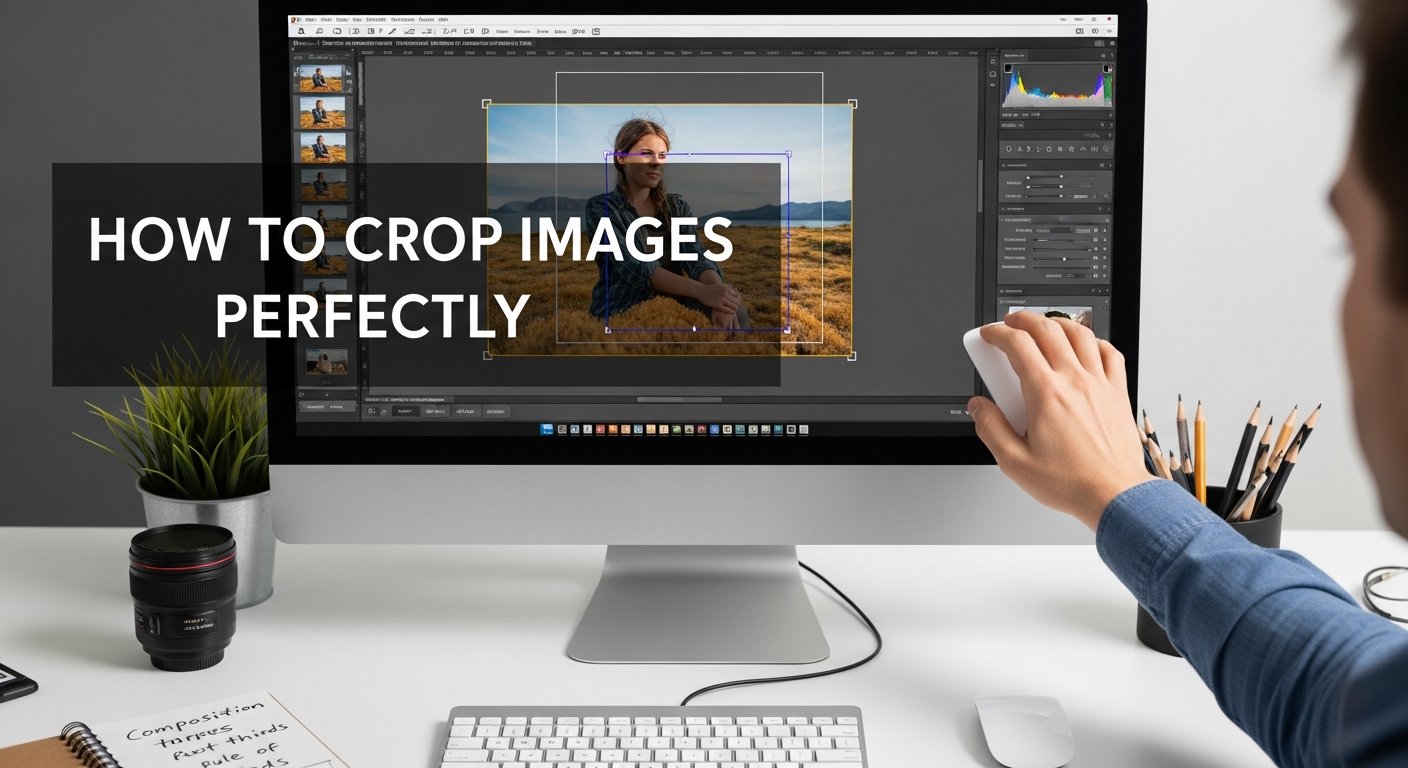
Cropping allows you to remove unwanted elements and improve composition:
- Rule of Thirds: Place important elements at intersection points
- Remove Distractions: Eliminate background clutter
- Change Aspect Ratio: Convert between square, portrait, landscape
- Focus on Subject: Bring attention to main subjects
Image Conversion: Right Format for Right Purpose
Different image formats serve different purposes:
- JPG: Best for photographs with many colors
- PNG: Ideal for graphics with transparency
- GIF: Suitable for simple animations
- WebP: Modern format with excellent compression
Advanced Image Tools
Beyond basic editing, we offer specialized tools:
- Color Picker: Extract exact colors from any image
- Favicon Generator: Create website icons in multiple sizes
- Rotate & Flip: Correct image orientation
- Images to PDF: Convert multiple images into PDF documents
Need Help with Specific Tools?
Check out our detailed tutorials for each image tool
Best Practices for Image Processing
Follow these guidelines for optimal results:
- Always work with original/high-quality images first
- Save compressed versions with different names
- Use descriptive filenames for SEO (e.g., "blue-widget-product.jpg")
- Include alt text for accessibility and SEO
- Regularly backup your original image files
Quick Workflow
1. Crop to focus on subject and improve composition
2. Resize to optimal dimensions for your platform
3. Convert to the appropriate format (JPG/PNG/WebP)
4. Compress to reduce file size while maintaining quality
Conclusion
Mastering image processing tools is essential for anyone working with digital content. With our comprehensive suite of free tools, you can compress, resize, crop, convert, and enhance images without any technical expertise or expensive software. Start optimizing your images today and see the difference in loading speed, visual appeal, and overall user experience!
Start Mastering Image Tools Today
All tools are free, secure, and work directly in your browser
Explore All Image Tools