Why Image Resizing Matters
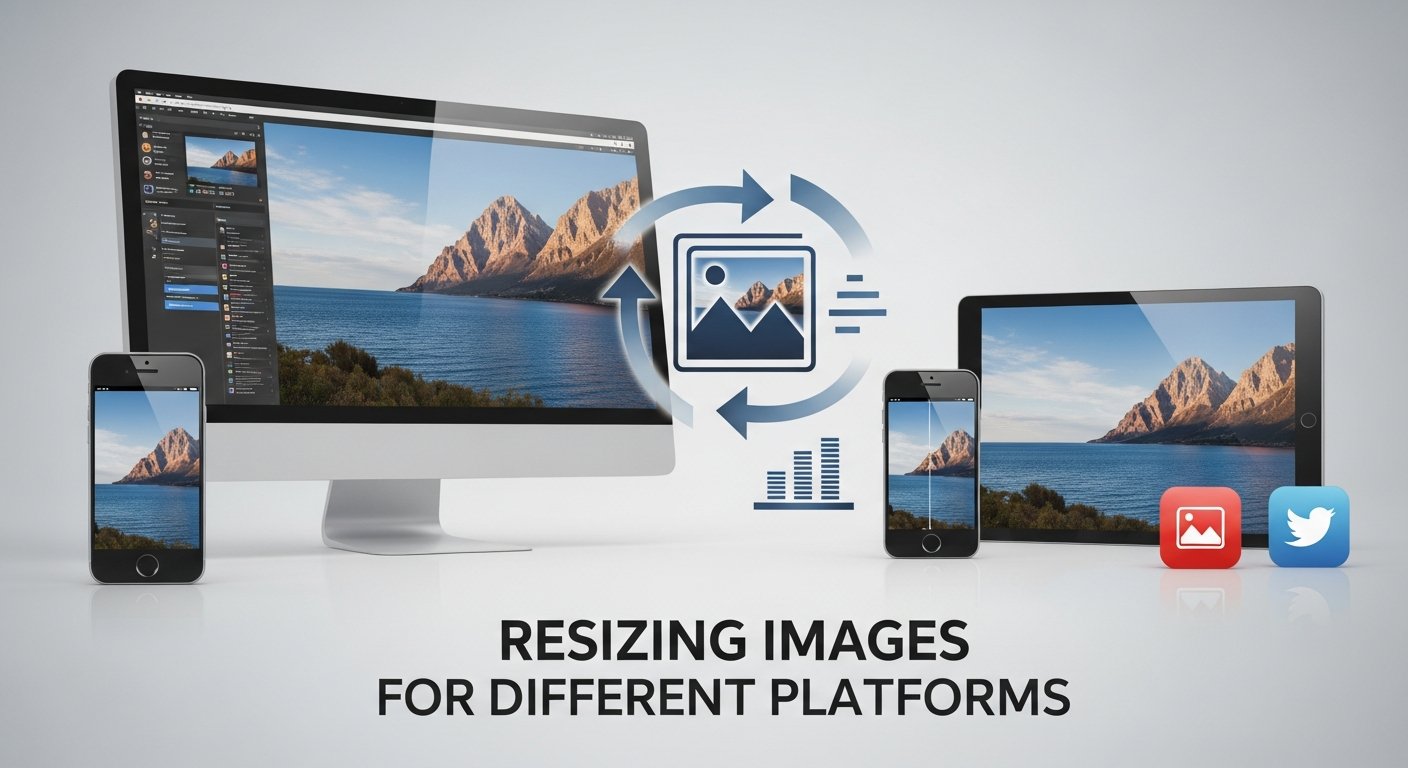
Different platforms require specific image dimensions for optimal display and performance:
- Better Performance: Properly sized images load faster
- Improved Quality: Correct dimensions prevent pixelation
- Platform Compatibility: Each platform has unique requirements
- Professional Appearance: Well-sized images look more polished
- Storage Optimization: Smaller dimensions mean smaller file sizes
Typical resizing scenario:
Original: 4000×3000px (12 megapixels)
Instagram Feed: 1080×1080px (resized for optimal display)
File Size: Reduced from 8MB to 500KB
Try Our Image Resizer Tool
Perfect dimensions for every platform - free and instant
Resize Images NowImage Resizer Tool: Perfect Dimensions Every Time
Our Image Resizer tool makes it easy to adjust images for any platform:
- Custom Dimensions: Enter exact width and height
- Preset Templates: Choose from common platform sizes
- Aspect Ratio Lock: Maintain proportions automatically
- Batch Processing: Resize multiple images at once
- Quality Control: Adjust compression for optimal results
Pro Tip
Always resize images before uploading to websites. Uploading oversized images and relying on CSS to resize them wastes bandwidth and slows down your site.
Platform-Specific Image Dimensions
Here are optimal sizes for popular platforms:
Square feed posts
Shared link images
Shared image previews
Article and post images
Full-width hero images
Small preview images
Vertical pins
Thumbnail images
Email newsletters
How to Resize Images for Different Platforms
Follow these steps to perfectly resize your images:
- Select the Image Resizer tool from our navigation
- Upload your image by dragging and dropping or browsing
- Choose your resizing method:
- Custom dimensions: Enter specific width and height
- Platform presets: Select from common platform sizes
- Percentage scaling: Resize by percentage (50%, 75%, etc.)
- Choose whether to maintain aspect ratio
- Select output format (JPG, PNG, WebP)
- Adjust quality settings if needed
- Click "Resize Image" and download your optimized image
Workflow example:
1. Upload original photo (4000×3000px)
2. Select "Instagram" preset
3. Image automatically resized to 1080×1080px
4. Download optimized version ready for upload
Complete Image Tool Suite
Our comprehensive image tools handle all your editing needs:
Complete workflow for all your image processing needs:
- Compression: Reduce file sizes for faster websites
- Resizing: Adjust dimensions for different platforms
- Cropping: Remove unwanted areas from photos
- Format Conversion: Convert between different formats
- Rotation & Flipping: Adjust image orientation
- Color Analysis: Extract colors from images
- Favicon Creation: Generate website icons
Optimization Tips for Different Use Cases
Tailor your resizing approach based on the intended use:
- Social Media: Use platform-specific dimensions, compress to under 1MB
- Website Images: Resize to display dimensions, compress to under 200KB
- Email Attachments: Resize to 800-1200px wide, compress heavily
- Print Materials: Maintain high resolution (300 DPI), minimal compression
- Mobile Apps: Create multiple sizes (@1x, @2x, @3x) for different screens
Best Practice
Create a folder with resized versions for each platform. Name files clearly (e.g., "product-image-instagram.jpg", "product-image-website.jpg") to stay organized.
Why Use Online Image Tools?
- No Software Needed: Everything runs in your browser
- Instant Results: Process images in seconds
- Privacy Protected: Images never leave your device
- Format Support: Works with JPG, PNG, GIF, and more
- Mobile Friendly: Use on any device
Optimization Tips
- For web use, aim for file sizes under 200KB
- Use JPG for photographs, PNG for graphics with transparency
- Resize images to their display dimensions
- Use compression for faster page loading
- Keep originals for future editing
Conclusion
Managing and optimizing images is crucial for modern digital work. Our free online image tools provide professional-quality results without the need for expensive software. Whether you're preparing images for a website, social media, or documents, these tools will help you achieve perfect results every time.